Solutions
Another studio can be anywhere.
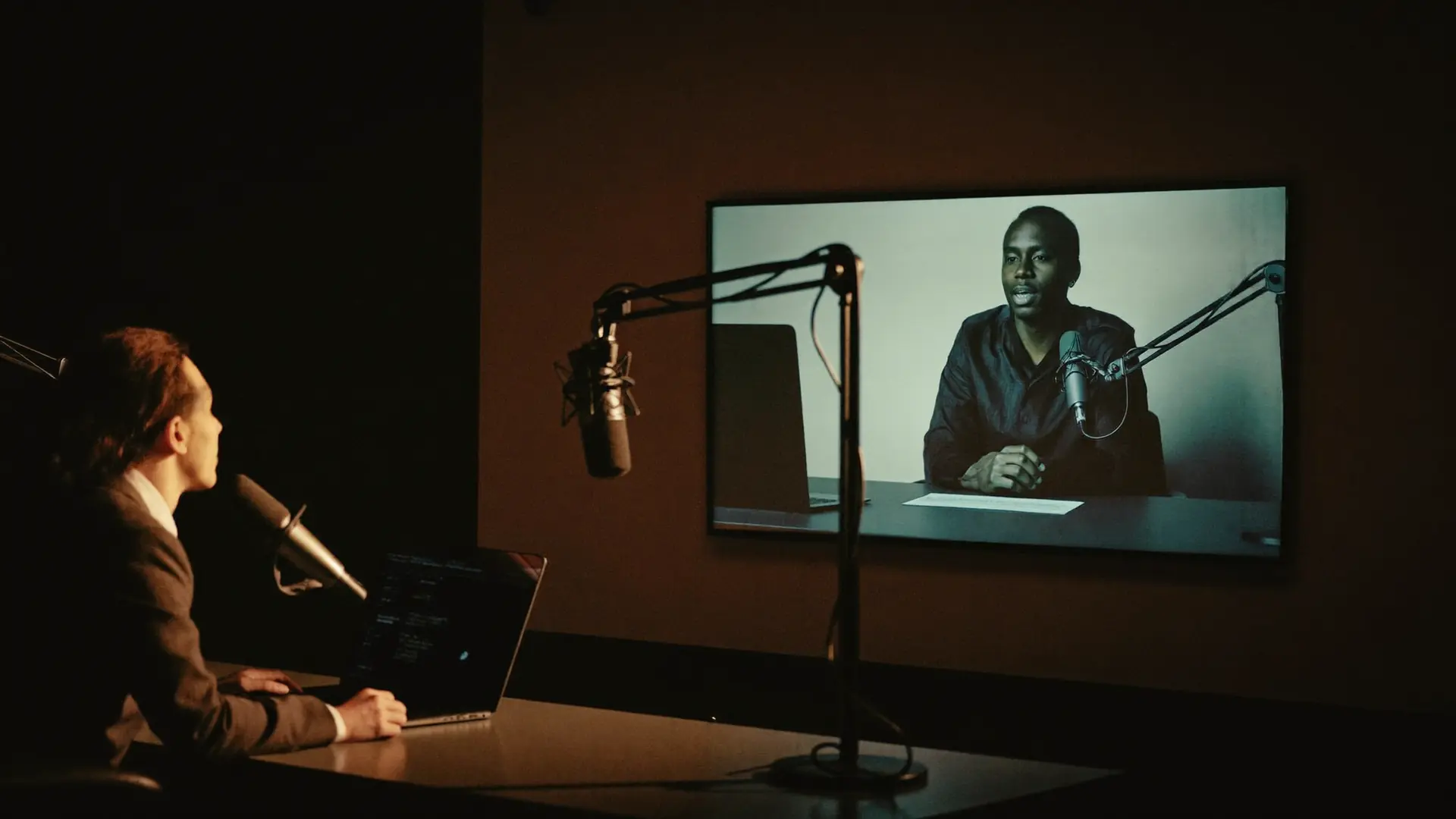
Studio Link brings a remote co-host into the room on their own channel and their own multitrack track — with talkback the audience never hears.
Checklist
What remote production needs
- WebRTC peer-to-peer with STUN, TURN and relay fallback for hostile networks
- A room code instead of a conferencing app
- The remote voice on its own clean multitrack track
- Off-air talkback while the music plays — shielded from Program, recording and transcript
- Video between studios, with a pop-out for the second screen
- A phone or tablet as the Studio Link camera via Companion
- Remote dashboard with link health, rundown and record status
- Auto-record the moment the guest connects
ShioCaster
Why remote teams pick ShioCaster
Off-Air Talkback
Produce the show while it airs. Confer between studios without touching the stream.
Companion as studio camera
The camera you need is already in your pocket, and it pairs in seconds.
A clean track per guest
Every remote voice lands sample-aligned on its own track, ready for the edit.